
With applican we offer the the ability set up and run a Geofenced mobile or Biometric clock on your site. When using the geofenced service operatives can simply clock in and out of site using the applican app.
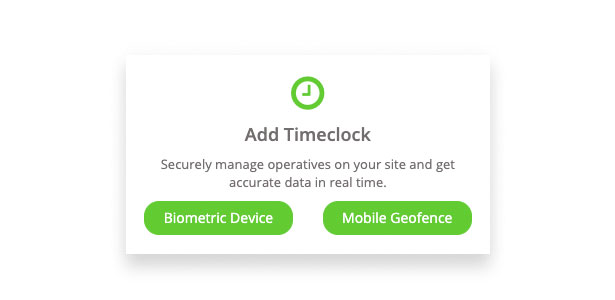
Create your service
Once a site is created in applican to setup your timeclock you must:
- Create a Timeclock service for your Site
- When service is Geofence you must set a geofence point & distance for your site location
- Assign one of your operatives to be the Timeclock Manager
- Click 'Save'
On completion applican will send a message to our Support Team who will review the setup, start all required process and activate your service when complete. This typically takes one/two working days for a Geofence service or will require a site visit for our Biometric service. We will email you once your setup has been successful.
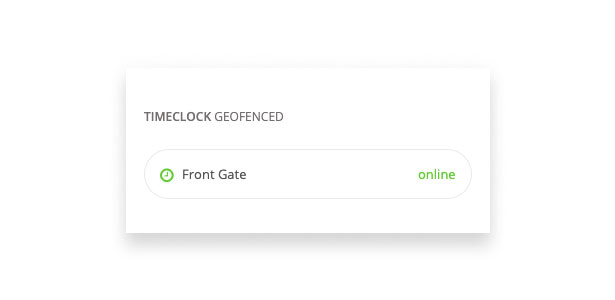
You can view the status of your timeclock at any time on your site dashboard once setup is live. Green signifying an 'online' status.
Note* Geofence Service: Mobile Phone networks and Phone types may cause a variance in location service accuracy, therefore we recommend a minimum of 50m distance from the site. A distance smaller can cause issues.
Allocate your Operatives
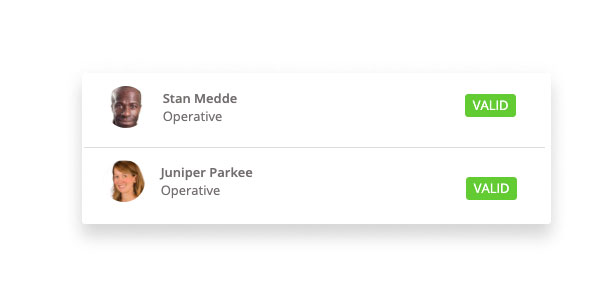
You can now start to allocate operatives who will be clocking in and out using the app for that Site. For security and privacy of data only those operatives who have been allocated will be able to use the clock in/out service in the app.
Related Article
Comments
0 comments
Article is closed for comments.