
Applican offers you the ability to communicate directly with each and every one of your operatives directly and instantly via your site dashbord and applican app.
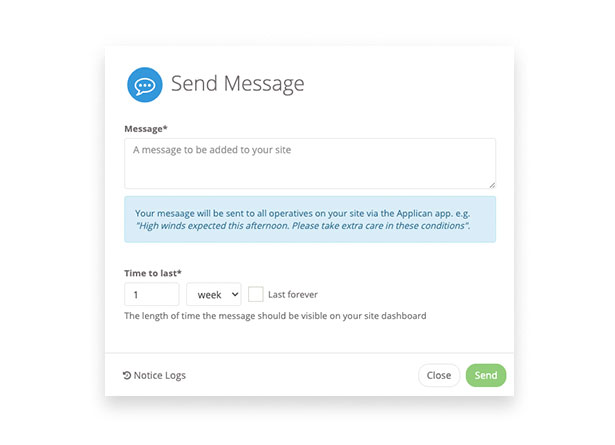
Create your message
Once a site is created, to send a message you must go to your site dashboard and:
- Click the "Send Message" button
- Add your message.
- Choose a 'time to live" for your message. This is the length of time you wish the message to be visible on your dashboard
- Click 'Send'
On completion applican will send your message instantly to all your operatives that are currently allocated to this Site. They will receive the message as a notification within the applican app.
Note * operatives must have the app downloaded to receive messages through applican
Comments
0 comments
Article is closed for comments.