
Applican allows you to run and export Timesheet reports.
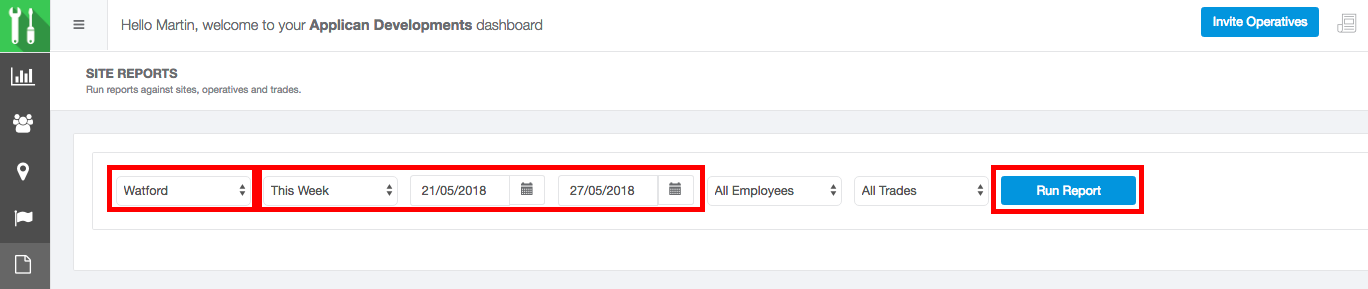
To run a Timesheet Report
- Click on the Report Icon in the main menu

- Select a Site from the Site Filter
- Select a Date Range
- Click ‘Run Report’
To Export a Timesheet Report
- Run a Report
- Click on ‘Export as CSV’
Comments
0 comments
Please sign in to leave a comment.