
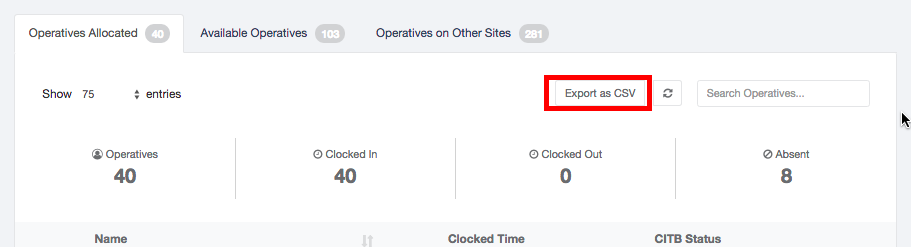
You can easily export the individual CITB Status and information alongside clock times for each Operative on Site for the current day.
To export and print the CITB status for a site
- Login to the Site Dashboard
- Click ‘Export to CSV’ under the Operatives table (above the clock in/out headlines)
Comments
0 comments
Please sign in to leave a comment.