
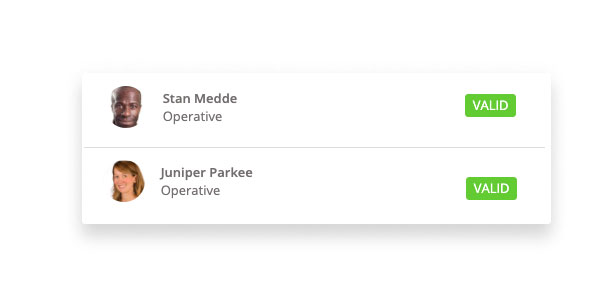
All operatives assed to your dashboard can be added to Site. By adding Operatives to Site you can manage your job efficiently, ensuring that all operatives hold a valid CITB Card and are clocking in and out correctly.
To add an operative to a site
- Go to your Site dashboard.
- Above the operative table click on the tab, Available Operatives or Operatives on Other Sites
- Find the operative and click the ‘+’ button to allocate them to site. The operative is now successfully added and visible in the Operatives Allocated table.
Note * An operative can be allocated to multiple sites. * Operatives will be automatically assigned to a site if they clock in using a timeclock device
Comments
0 comments
Please sign in to leave a comment.